Support Calling

Call Your Users - Inside Your App

Your support team reaches users with calls that ring inside your app, delivered over SIP - a branded call screen instead of an unknown number, and no telephone-network charges on the way.

What It Is

Support Calls That Ring In-App

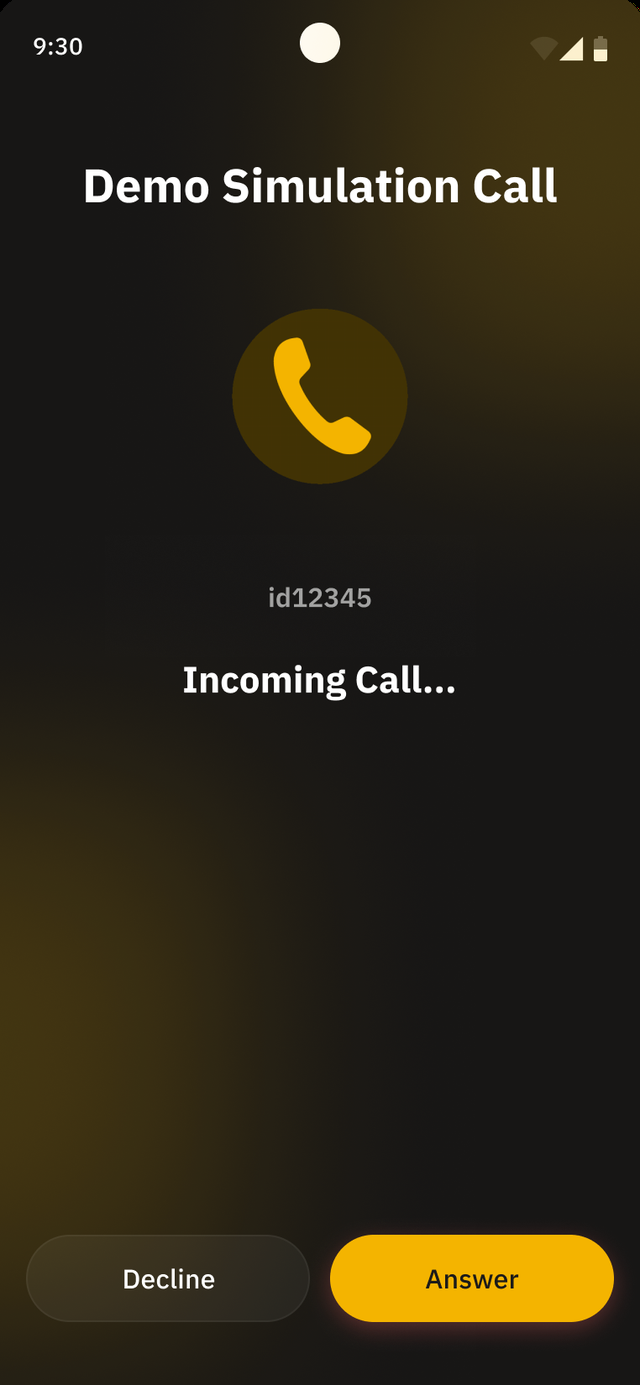
With Support Calling, your support agents place calls to users that ring inside your app rather than on the phone line. The call travels over SIP from your support tooling straight to the Jingle Plug-In in your app - it never touches the public telephone network, so there are no PSTN charges on those calls.

Because the call arrives as a branded screen in an app the user already trusts - not as a call from an unknown number - users are far more likely to actually pick up. Higher pickup rates mean fewer chase-up attempts and faster resolutions for your support team.

Talk to us about your support stack

Your Support Agent

Places the call from your existing support tooling.

SIP, Straight to the App

The call is delivered over SIP - it never crosses the public telephone network, so no PSTN charges apply.

Rings Inside Your App

The user sees your brand on the call screen and answers in-app.

Why It Pairs With Jingle

One Integration, Two Jobs

The same plug-in, the same microphone permission, and the same in-app call experience serve both your support team and your revenue line.

Support Savings

Outbound support calls that would otherwise run through the telephone network instead travel over SIP to your app - removing the per-minute PSTN cost on those calls and putting your brand, not an unknown number, on the user's screen.

Jingle Revenue

The same integration carries wholesale voice traffic for opted-in users and pays you a 50% revenue share, with zero upfront cost and a partner portal from day one. See how the model works on the Revenue page.

This is the Strategy B family in our Permission & Consent Guide. Support Calling is a genuine, user-facing feature - users grant the microphone for a real call experience they understand, and Jingle is disclosed alongside it through dual-disclosure consent that users opt into and can turn off anytime. Read the full breakdown in the Permission & Consent Guide.

How It Works

Three Steps to a Call

From integration to a ringing call screen - at the pace your team sets.

Step 01

Integrate the Plug-In

Add io.minutesnetwork:jingle-fullservice 5.6.0 - a native Android plug-in (3-10MB, minSdk 26 / Android 8.0+) that also works inside Flutter and React Native apps. A dedicated integration engineer supports your team, and go-live happens at the pace your team sets.

Step 02

Your Tooling Triggers the Call

An agent opens a ticket, picks the user, and dials from your existing support tooling. The call is carried over SIP directly to the plug-in in that user's app - no dialer, no phone line, no PSTN leg.

Step 03

The User Answers In-App

The call rings inside your app under your brand. The user taps answer and is talking to your agent - a familiar, trusted screen that earns higher pickup rates than a call from a number they don't recognise.
Benefits

Why Teams Switch Support Calls In-App

Practical wins for your support operation - on top of the Jingle revenue the same integration earns.

No PSTN Cost on Support Calls

Calls travel over SIP from your tooling to the app - the public telephone network never bills a minute.

Branded In-App Experience

Your name and your call screen - not an unknown number users screen out. Familiarity drives higher pickup rates.

Built on Consent Users Already Gave

The same transparent, SMS-verified opt-in and microphone permission that power Jingle also power support calls - and users can switch off anytime.

No Separate Dialer App

Everything happens inside the app you already ship - no extra install for users, no separate softphone for agents to reach them.

Next Step

Put Support Calls Inside Your App

Tell us about your app and your support stack - we'll map out the integration with you, with a dedicated integration engineer from day one.